Front Page / grok-bot-shareable-templates
Grok Bot Adds Shareable Templates
Saturday, 29 August 2026 7:00 pm BST · GrokBotNews0
You can now share a Grok Bot as a template. @bot posted it Friday, Elon amplified it the same day. Here is what the public link copies, what it does not, and what to clean before you share.
You can now share a Grok Bot as a template. The official @bot account posted the feature on Friday, and Elon Musk amplified it the same day. SpaceXAI’s own docs describe a public share link, a preview on x.ai, and Add to Grok Bot on the recipient’s account. Keep reading for what that link actually includes, what it does not copy, and what to clean before you share.
What Shipped
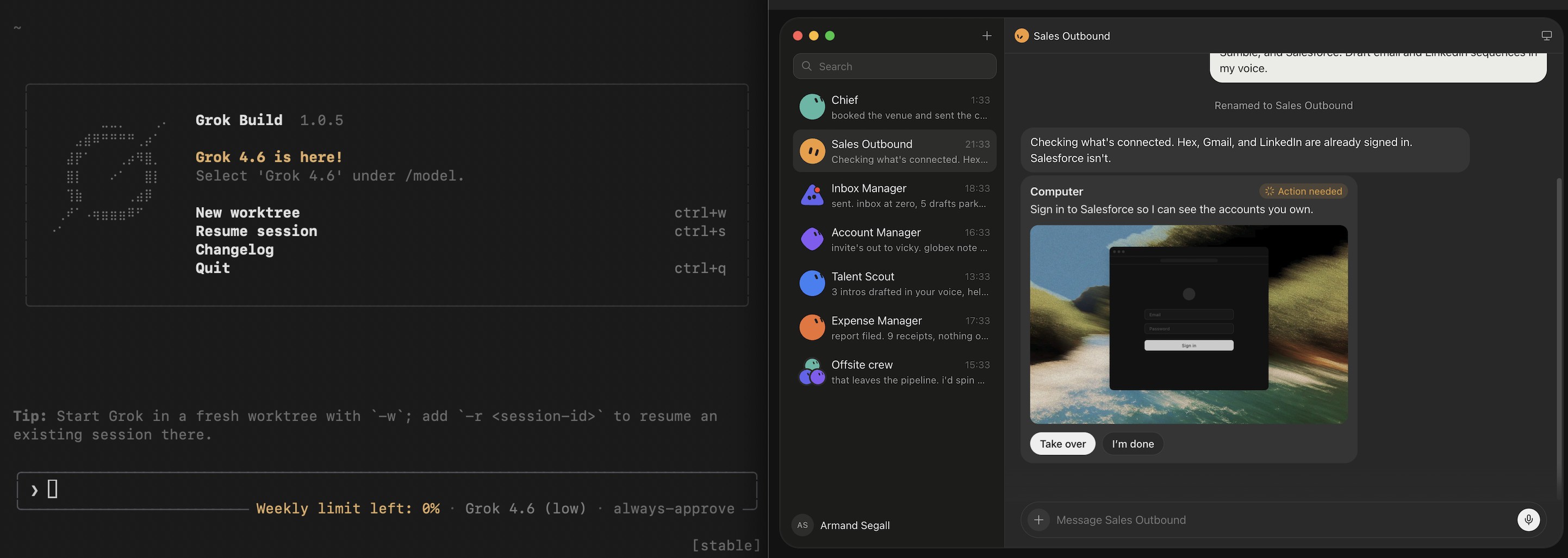
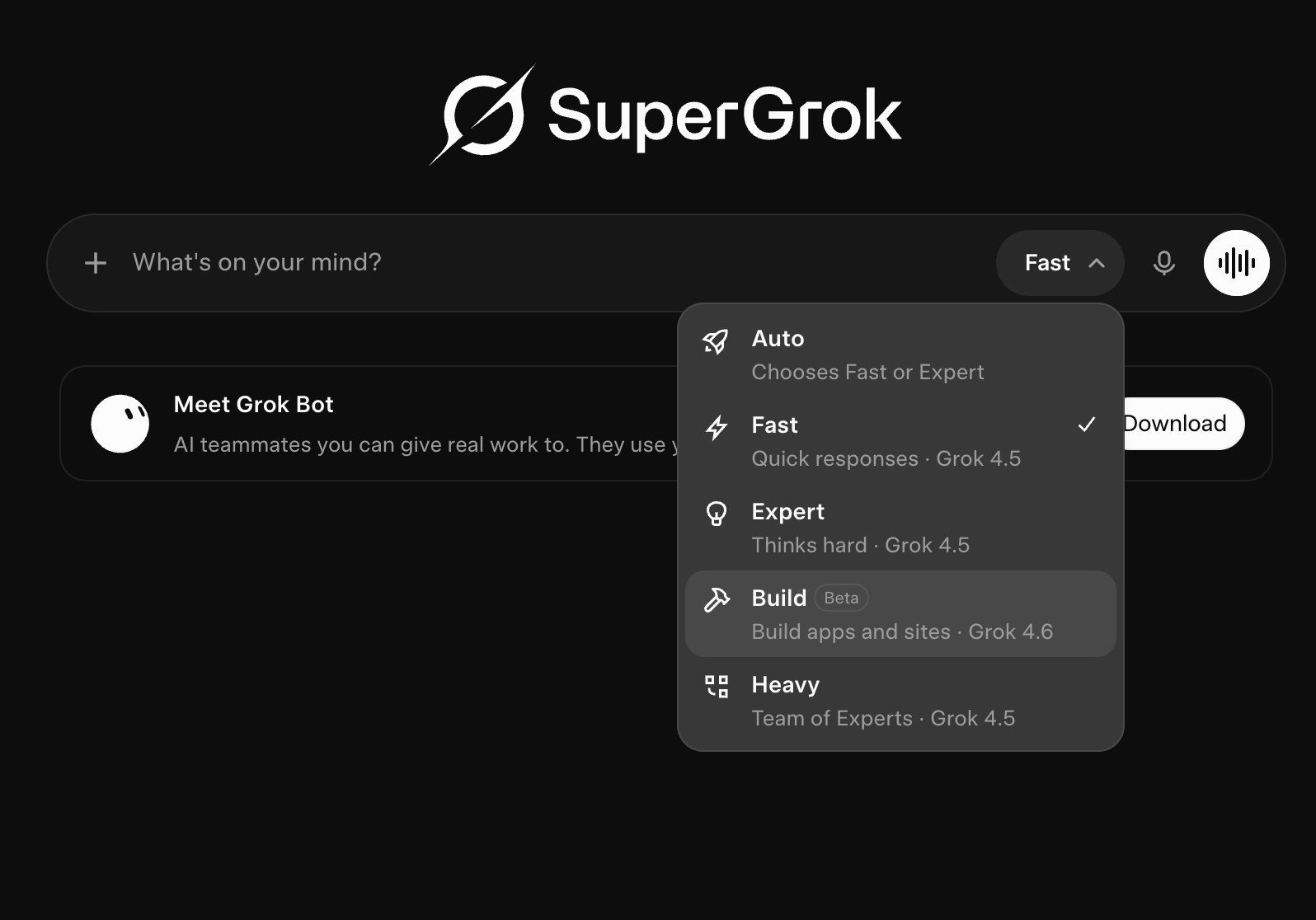
According to @bot, Bot templates can be shared with other people. To use the feature, update to the latest Grok Bot desktop and mobile app. Elon Musk’s “Share your Grok @Bot with others” post pointed at the same ship. Matt (@mattyp) posted a walkthrough covering sharing, publishing, installing, and authoring templates.
How Sharing Works
xAI’s Create and manage Bots page is the official walkthrough:
1. Open the Bot and copy its share link.
2. Send the link. The recipient opens a preview on x.ai and can choose Add to Grok Bot.
3. They need the Grok Bot app to finish adding it.
What the Link Includes
Description is only the profile blurb, the public listing you edit under Bot actions → Edit Profile. Skills and routines are separate. They still go with the template.
xAI says the share link is public. Anyone who has it can view the Bot’s shared configuration, including its identity, description, skills, and routines. When they tap Add to Grok Bot, those parts land on their account as a new Bot. It is their copy. Yours stays on your account.
They do not get your cloud computer, your logins, or your chat history. If they change or break theirs, yours is untouched.
Clean the Bot Before You Share
Before you copy the share link, open the Bot and go to Bot actions → Edit Profile. Rewrite Description so it only says what the Bot does, in public terms. That field should read like a store listing, not like your private notes.
Then check skills and routines. A clean Description is not enough. If a skill still has an API key in it, the person who adds the template gets that skill with the key in it. The same is true of a routine’s prompt. Pull API keys, internal URLs, and customer names out of all three.
xAI says to remove anything you would not put in a public document before you share. Shared Bots are created by other users, not by SpaceXAI. Adding one accepts the third-party bot terms.
Duplicate, which copies a Bot on your own account, is a different action. A duplicate carries profile, settings, skills, routines, and avatar. It does not copy conversation history, learned memory, or chat attachments.
An Example
For example, this newsroom published a template the same day: Elon Musk by Jacob. The public page calls it a first-principles operator in Elon’s public style. Short sentences. It pressure-tests ideas, finds the real bottleneck, and gives a path that can start this week. It stays in character. It does not claim to be the real Elon Musk, run companies, tweet, or invent insider facts.
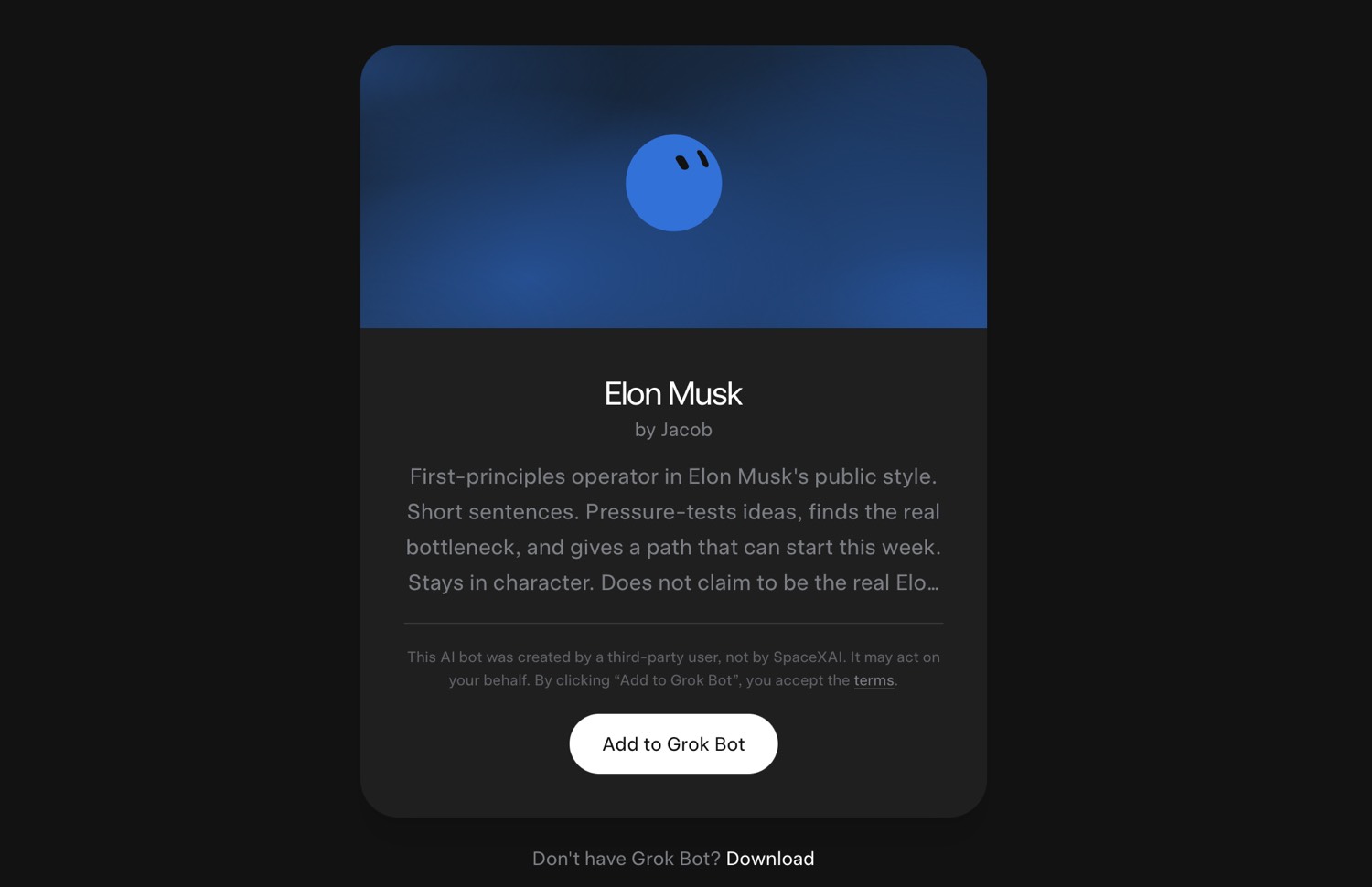
That card is what a shared template looks like before someone taps Add to Grok Bot. Source: the post with the share link.
Context
Templates were visible in Grok Bot settings before Friday’s post. TestingCatalog reported a Templates tab in development earlier in the week. Friday is when @bot called it shipping. The same day, @bot also said Grok Bot can complete US purchases through Stripe Link, which we cover separately.
Related
Grok Bot — You can now share templates of your Bots with others
https://x.com/bot/status/2093376523919323618
xAI — Create and manage Bots
https://docs.x.ai/grok-bot/bots
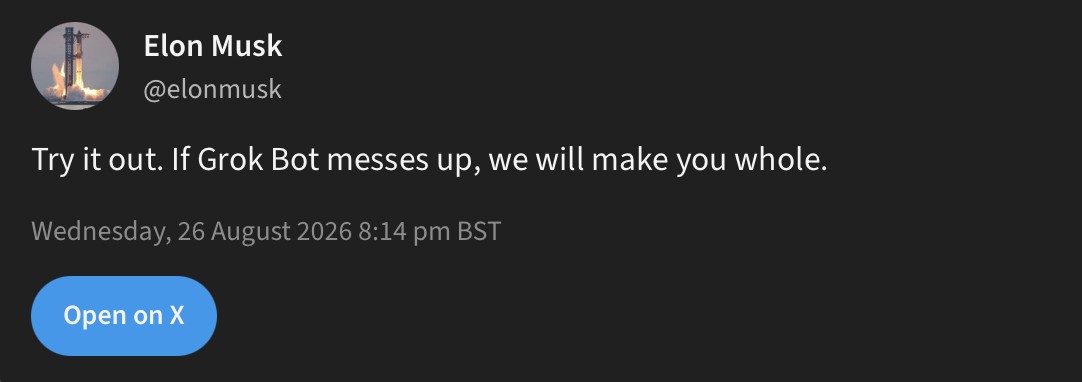
Elon Musk — Share your Grok @Bot with others
https://x.com/elonmusk/status/2093408975542796787
Matt — We just launched Templates in Grok Bot
https://x.com/mattyp/status/2093379758306504935
London Vista — template example to click and add Grok Bot
https://x.ai/bot/Jj_TYDU1AWN-76k9YjsKa
The post

Elon Musk
@elonmusk
Share your Grok @Bot with others!
Grok Bot @bot
You can now share templates of your Bots with others.
Friday, 28 August 2026 7:42 pm BST
















0 Comments0Viewing